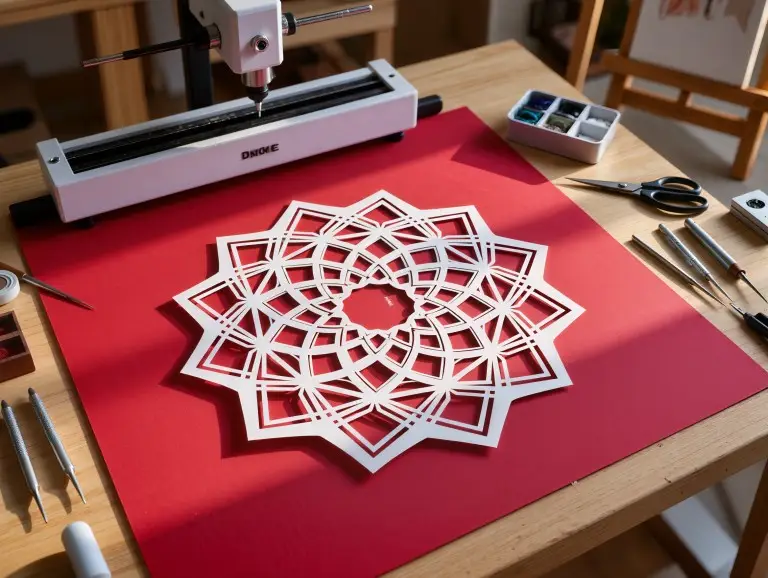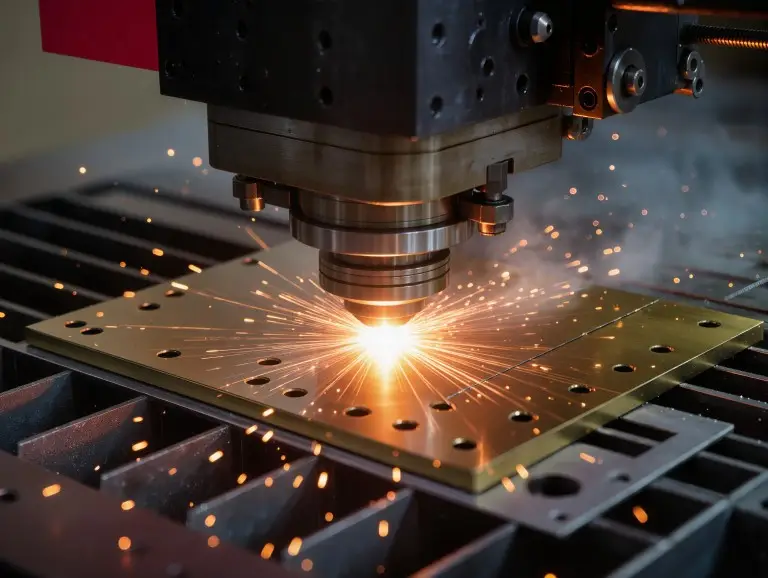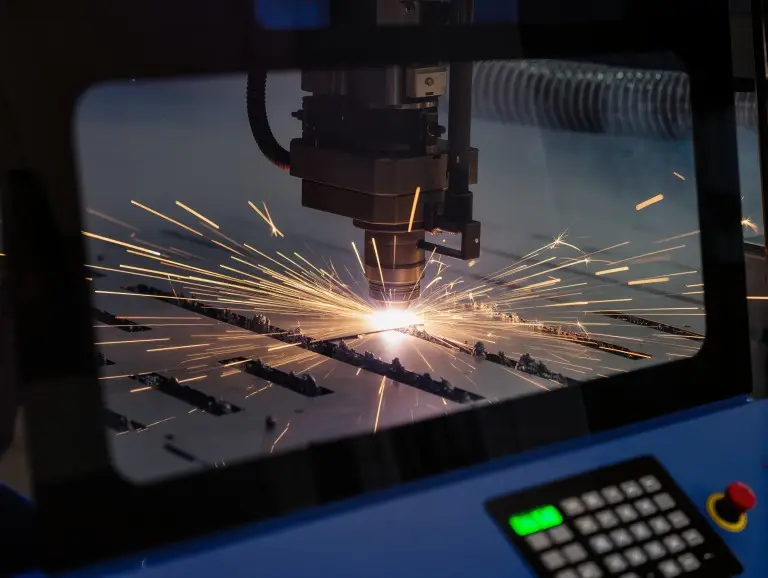

Laser cutting materials are sheets and rolls you can cut, score, or engrave with a laser. The goal is to meet your edge, tolerance, and safety needs. At our company, we are a prototyping service. Laser cutting is a key process for us to make fast, repeatable parts. In prototyping, we do not choose materials based on looks. We choose what cuts cleanly, stays stable, and is safe. This guide covers laser cutting materials and practical rules for choosing them. This will help you select materials faster and avoid rework.
What Are Laser Cutting Materials?
Laser cutting materials absorb laser energy in a way we can control. This makes the cut clean and predictable. A material is “suitable” only if it passes three tests: cut quality, stability, and safety. If you choose the wrong material, you will see common failures. Edges may char or melt. Parts might warp. The cut width, or kerf, can become uneven. Fumes can also become a real risk. In prototyping, these problems cost you time twice. First during the cut, and then again in fixing it. This includes sanding, cleaning, re-cutting, and correcting the fit.
A good material choice also lowers hidden costs. You get more parts from each sheet and have fewer rejects. Assembly becomes more consistent. That is why we always start a laser cutting job with a quick material check. We do this before we even talk about speed or price.
How Materials Interact With Lasers
Materials cut well when they absorb the laser’s wavelength. They turn that energy into controlled melting, vaporizing, or burning along the cut path. The cut becomes unstable if the material reflects too much energy. It also becomes unstable if heat spreads too fast. For example, some metals spread heat away from the cut. This can require more power and affect the edge burr. Some plastics soften and flow back into the cut. This creates a “gooey” edge instead of a crisp one.
In practice, we check a few properties first. Density and internal consistency affect how predictable a cut will be. Additives, fillers, coatings, and glue layers affect the smoke, residue, and edge color. This is why two “similar” sheets from different suppliers can act very differently.
We also match the laser source to the job. CO2 lasers are often used for many non-metals. This includes wood, acrylic, paper, and textiles. These materials absorb the energy well, creating clean edges. Fiber lasers are common for metals. The energy connects more effectively with metal. Diode systems can work well for certain non-metals. However, clear materials and some finishes may act differently. This depends on the laser wavelength and surface condition.
Main Types of Laser Cutting Materials
There are seven main types of laser cutting materials commonly used in prototyping and manufacturing.
Wood Sheets (Plywood/MDF)
Wood sheets are organic materials that cut well. But the result depends on the resin and glue inside. Plywood and MDF are popular for prototypes. They are cheap, easy to find, and quick to cut. They are good for jigs, architectural models, templates, and fixtures. They are less ideal if you need zero smoke odor or food-safe parts. They also need finishing for outdoor use. Plywood can also fail if the glue is not laser-friendly. This causes incomplete cuts and heavy charring.
In our shop, we see wood selection as a “sheet quality” problem, not a “wood type” problem. Smooth MDF is predictable. Plywood needs stable veneer layers and the right glue. Using air assist and masking tape often makes the difference between a clean edge and a sooty one.
Acrylic (Cast/Extruded)
Acrylic (PMMA) is a plastic that can yield clean, polished-looking edges. It is a popular material for signs, light covers, display parts, and decorative panels. Cast acrylic usually cuts more consistently. Its edge can also look clearer. Extruded acrylic can have more stress-related edge problems. It may need a different balance of speed and power. Acrylic is not a good choice for parts with tight snap-fits that need to survive impact. It also does not work well in high temperatures.
For acrylic, controlling heat is more important than using force. Too much power or a slow speed can cause haze and bubbles. It also creates wider heat-affected zones. Good ventilation is also critical. Fumes and flare-ups are real risks if the cut is not managed well.
Metals (Steel/Stainless/Aluminum)
Laser cutting is often chosen for metals to get precise shapes and repeatable parts. Steel, stainless steel, and aluminum are common. We use them for brackets, enclosures, frames, and panels. The “best” metal depends on what you do after cutting. This includes bending, welding, finishing, and corrosion needs. Stainless steel is good for corrosion resistance. Mild steel works for cost-sensitive structural parts. Aluminum is good for lightweight designs. But it can be more sensitive to edge dross and how it reflects the laser.
Metal cutting quality relies on the assist gas, focus position, and a stable feed rate. Oxygen can speed up cutting on certain steels. Nitrogen is often used to reduce oxidation on stainless steel and aluminum. We plan the cut edge condition based on your downstream process, like coating or welding.
Leather
Leather is a flexible material that laser cuts without tearing. It is often used for wallets, tags, patches, and straps. A clean outline matters for these items. Leather is less suitable when the smell and smoke residue are not acceptable. It also may not work if the product must meet strict air quality standards. Some leathers and finishes can produce heavy smoke and uneven edge color.
We view leather as a “material plus finish” system. Natural leather and coated leather act differently. Faux leather varies a lot based on its core polymer. Testing a small corner is usually faster than guessing.
Textiles (Natural/Synthetic)
Textiles can be cut very quickly with a laser. On some synthetics, this process also seals the edges. Cotton, wool, and other natural fabrics can cut cleanly. Synthetics can melt and fuse at the edge. Textiles are a great choice for templates, gaskets, and soft goods patterns. They are not a good choice when the material is very sensitive to heat. They also fail when the line between a “clean cut” and “fire” is too thin.
For textiles, the main things to control are power density and speed. Air assist must be adjusted to help remove smoke without lifting the fabric. We also plan the part layout to avoid small loose pieces that can shift during the cut.
Paper/Cardboard
Paper-based materials absorb laser energy well and cut fast. Cardboard and cardstock are ideal for packaging prototypes, templates, and quick mockups. They are not suitable when you need zero edge discoloration. They also do not work well if the design creates many tiny pieces that can move. Paper also has a fire risk because it ignites easily if the settings are too aggressive.
For clean results, we use lower power and higher speed. We also use a stable method to hold the material down. The goal is to cut through the material, not to “cook” the edge. A small test grid can save a lot of wasted sheets.
Rubber (Laser-Safe Grades)
Rubber is used for stamps, pads, and some flexible parts. But it must be chosen with care. Only laser-safe rubber grades should be used. Ventilation is required because the fumes can be strong. Rubber is not suitable when you do not know its formula. It is also bad if it might contain halogens or other problem additives. Some rubber-like sheets are actually PVC-based, which you should never laser cut.
When rubber is the right choice, laser cutting can produce fine detail. This is hard to do with mechanical cutting. The key is to control smoke, prevent residue buildup, and keep the laser optics clean.
Further Reading: Laser Cut Plastic | Materials, Tips & Services
|
Material Type |
Best For |
Typical Limitations |
Practical Notes |
|---|---|---|---|
|
Plywood/MDF |
Prototypes, templates, models |
Glue quality, charring, soot |
Sheet quality matters more than brand. |
|
Acrylic (PMMA) |
Signage, display parts |
Heat haze, stress issues |
Cast vs. extruded types act differently. |
|
Metals |
Functional parts, brackets |
Burr/dross, oxidation |
Assist gas and focus control are key. |
|
Leather |
Wearables, tags |
Smoke/odor, coating variability |
The finish can affect the cut. |
|
Textiles |
Patterns, layered design |
Melt/fire risk on synthetics |
Tune air assist to avoid fabric lift. |
|
Paper/Cardboard |
Packaging mockups |
Fire risk, discoloration |
Use high speed and low power. |
|
Rubber (safe grades) |
Stamps, flexible parts |
Fumes, unknown formulas |
Avoid PVC-like “rubber” sheets. |
How We Choose the Right Material for a Project
Choosing a material starts with your goal. If edge appearance is the priority, we lean toward materials that cut cleanly. If function is the priority, we focus on mechanical properties and later steps like bending. We also check “shop reality.” Can you get the sheet consistently? Does it come in the thickness you need? Will it warp during or after cutting? Prototypes often fail due to availability and consistency, not just material theory.
Here is a simple checklist we use:
- Edge requirement: polished, matte, paint-ready, or weld-ready
- Tolerance requirement: loose fit, press fit, or alignment-critical
- Environment: indoor, outdoor UV, moisture, temperature
- Safety: fumes, fire risk, unknown additives
- Downstream steps: bending, bonding, coating, assembly
If you send us a drawing, telling us the above points will speed up your quote. It lets us suggest a material that fits your design and the process.
Thickness and Design Rules That Affect Cut Quality
Thickness changes everything. It affects energy demand and heat flow. Thicker material usually needs more power and a slower speed. It also needs tighter control of focus and assist gas. But many quality issues come from design details, not just thickness. Very small holes, sharp internal corners, and thin bridges can overheat and warp. Tight spacing between parts can cause local heat buildup. This makes the cut width drift and increases edge discoloration.
A few habits can improve your laser cutting results. Keep small features realistic for the material thickness. Avoid very thin tabs that can break during cutting. For metal, plan for burr direction. Consider if the edge needs to be oxide-free for coating or welding. For wood and paper, plan for minor edge color change. Decide if you will seal or finish the edge.
If you are unsure, a quick test coupon is the safest path. A small strip with your smallest holes and tightest curves often shows the real limit. It is faster than any generic guide.
Materials to Avoid and Safer Alternatives
Some materials should not be laser cut. They can release hazardous gases, catch fire easily, or damage the equipment. We do not laser process PVC or vinyl that contains chlorine. They can release toxic and corrosive gases. These gases can harm both operators and machines. We also avoid unknown “rubber” sheets if we do not know what they are made of. Many are PVC-based. Some foams and plastics can melt, catch fire, or emit harmful fumes. Coated materials can also be risky if you do not know the coating’s chemistry.
If your design uses a restricted material, the best move is to switch. Acrylic often replaces polycarbonate for laser cutting needs. PET-based sheets can replace some vinyl-like plastics. Laser-safe rubber grades replace questionable stamp rubbers. The key is to keep the function while removing the safety risk.
Conclusion
Laser cutting materials are not just “things a laser can cut.” They are materials that cut cleanly, stay stable, and are safe within the right process. In our laser cutter service, we choose materials by matching your goal to the material’s behavior. That approach reduces rework and keeps your prototype cycle fast. Before you send a drawing, confirm the material grade, thickness, edge needs, and any later steps. It is the simplest way to get a clean cut on the first try
FAQ
What are common laser cutting materials?
The most common materials are wood sheets (plywood/MDF), acrylic, and metals. Paper, cardboard, and some textiles are also popular. They are widely available in sheets and cut predictably.
Why does plywood sometimes cut poorly?
Plywood cuts poorly when glue, voids, or knots react badly to heat. The sheet quality and adhesive type often matter more than just the “plywood” label. Laser-grade plywood is usually more predictable.
Can I laser cut clear acrylic on any laser?
Cutting clear acrylic depends on the laser source. CO2 systems typically cut acrylic well. Some other laser sources may struggle with clear materials or need different settings.
What materials should never be laser cut?
You should not laser cut PVC or vinyl with chlorine. They can release toxic and corrosive gases. Unknown plastics and certain foams can also be unsafe without checking them first.
How do I choose between acrylic, MDF, and metal?
Choose acrylic for visual clarity. Choose MDF for cost and speed. Choose metal for strength and function. Your downstream steps—like bending or coating—should also guide your decision.